
- Home
- Student Projects
- Skyledger
Skyledger
Skyledger
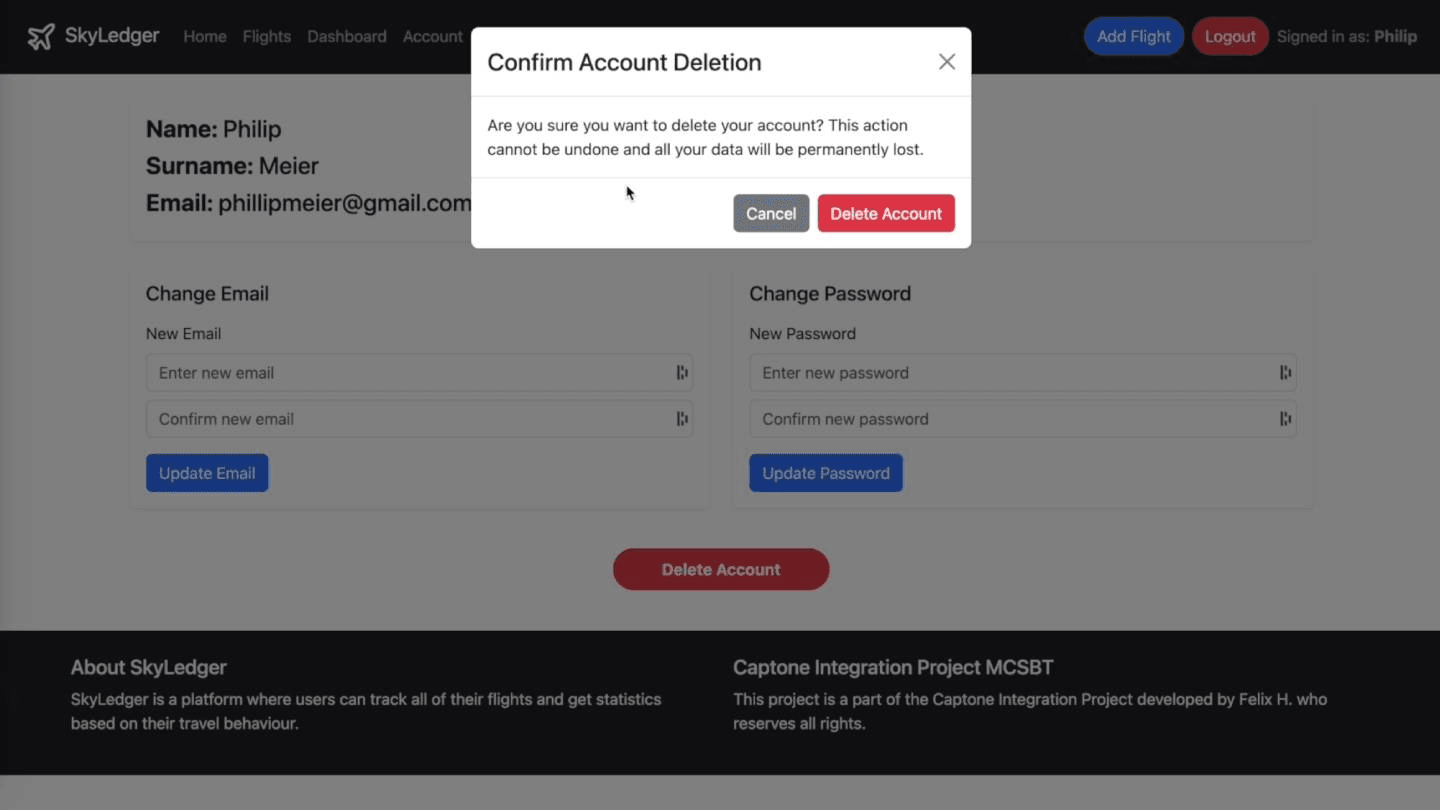
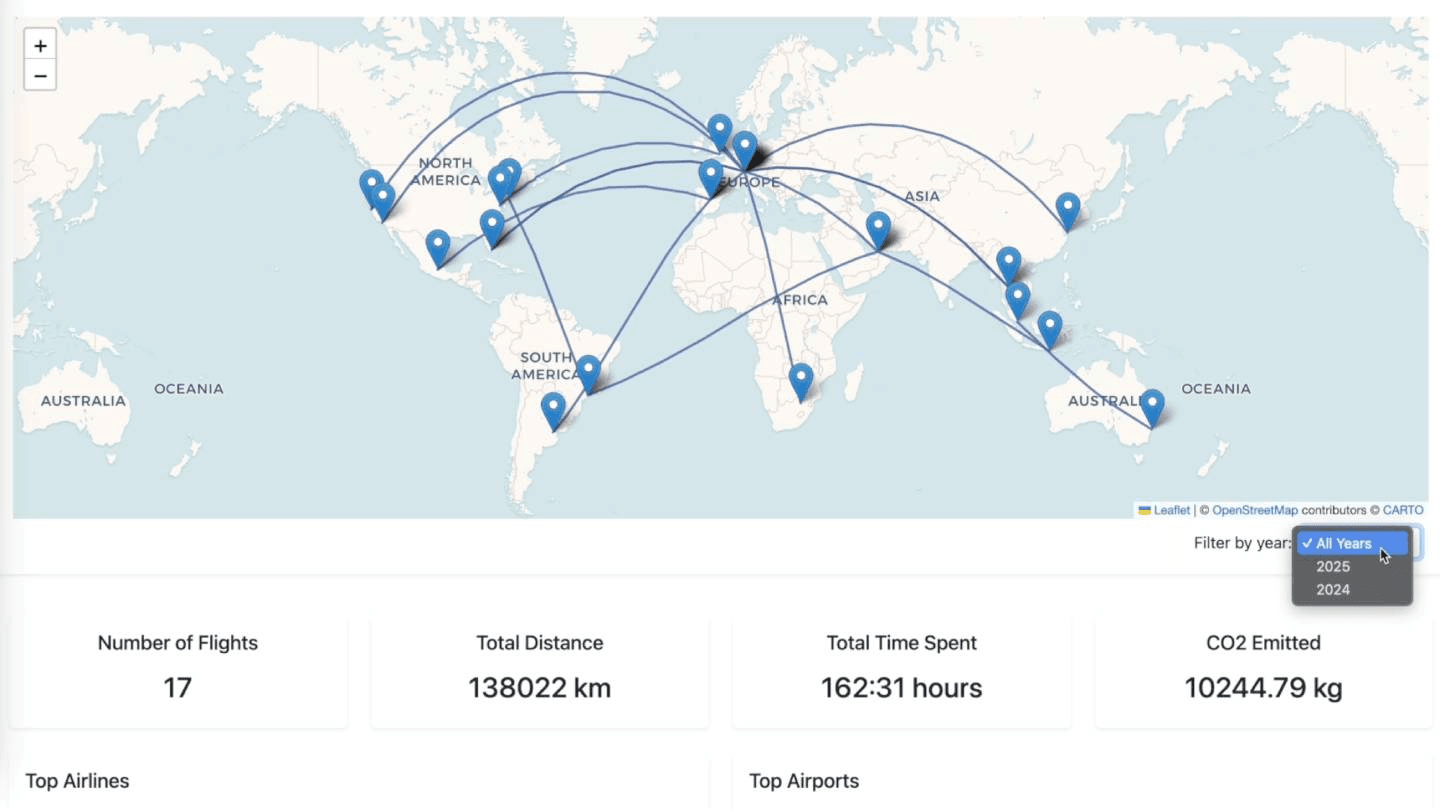
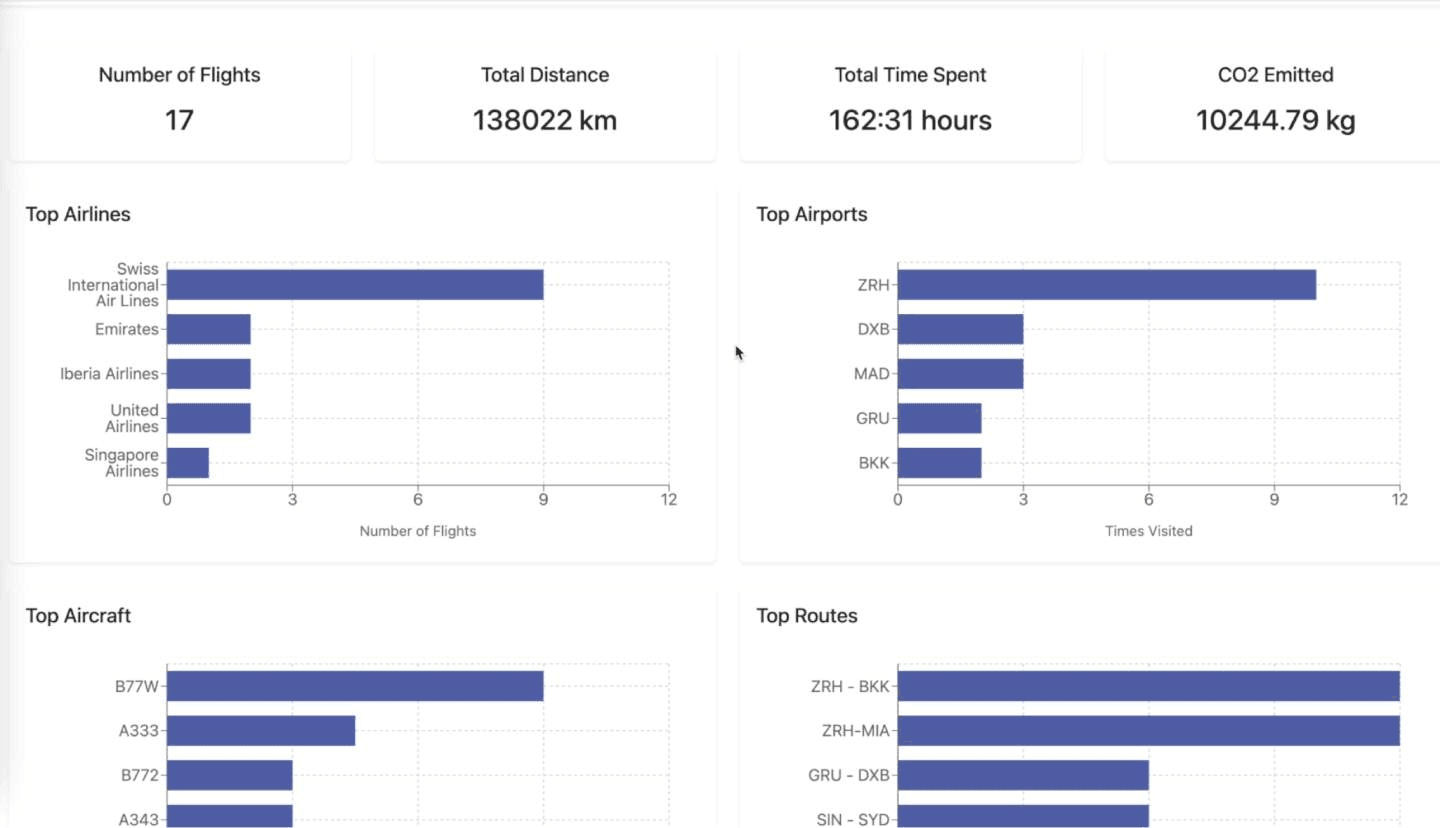
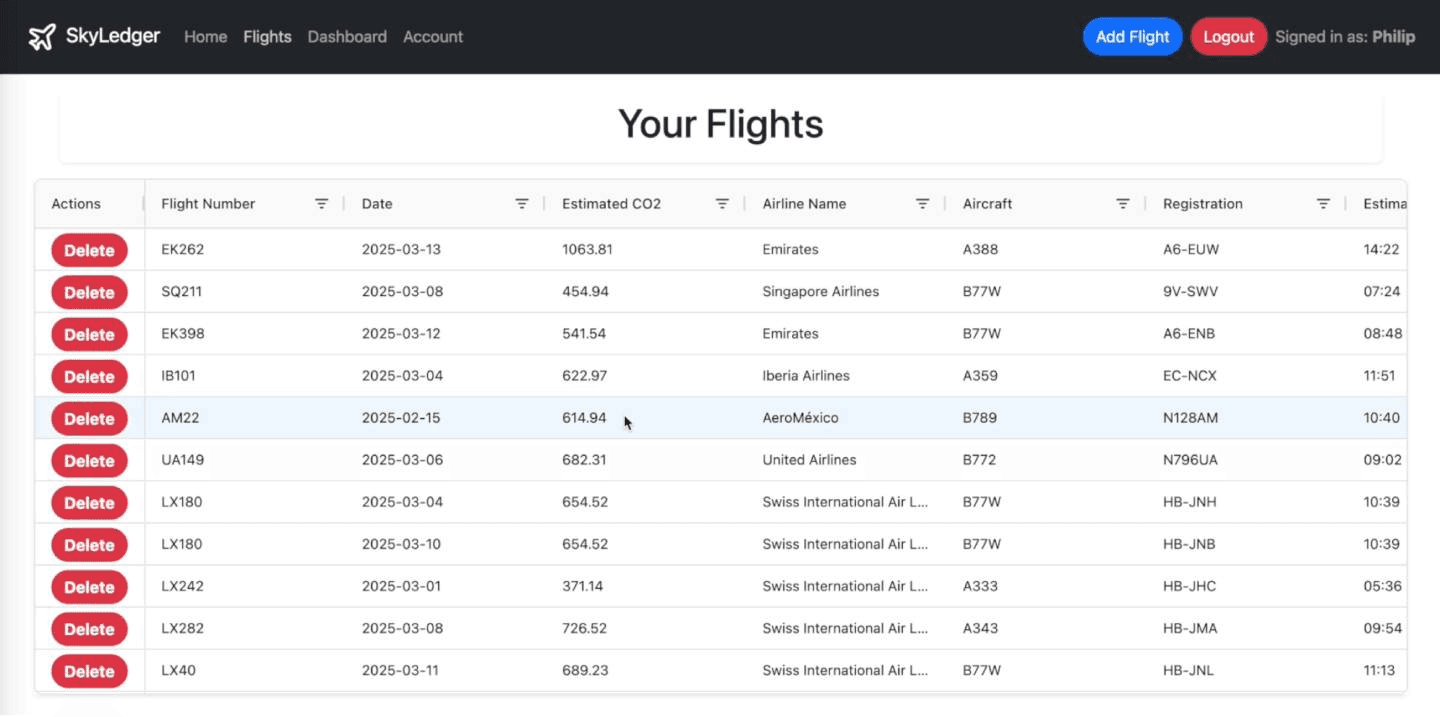
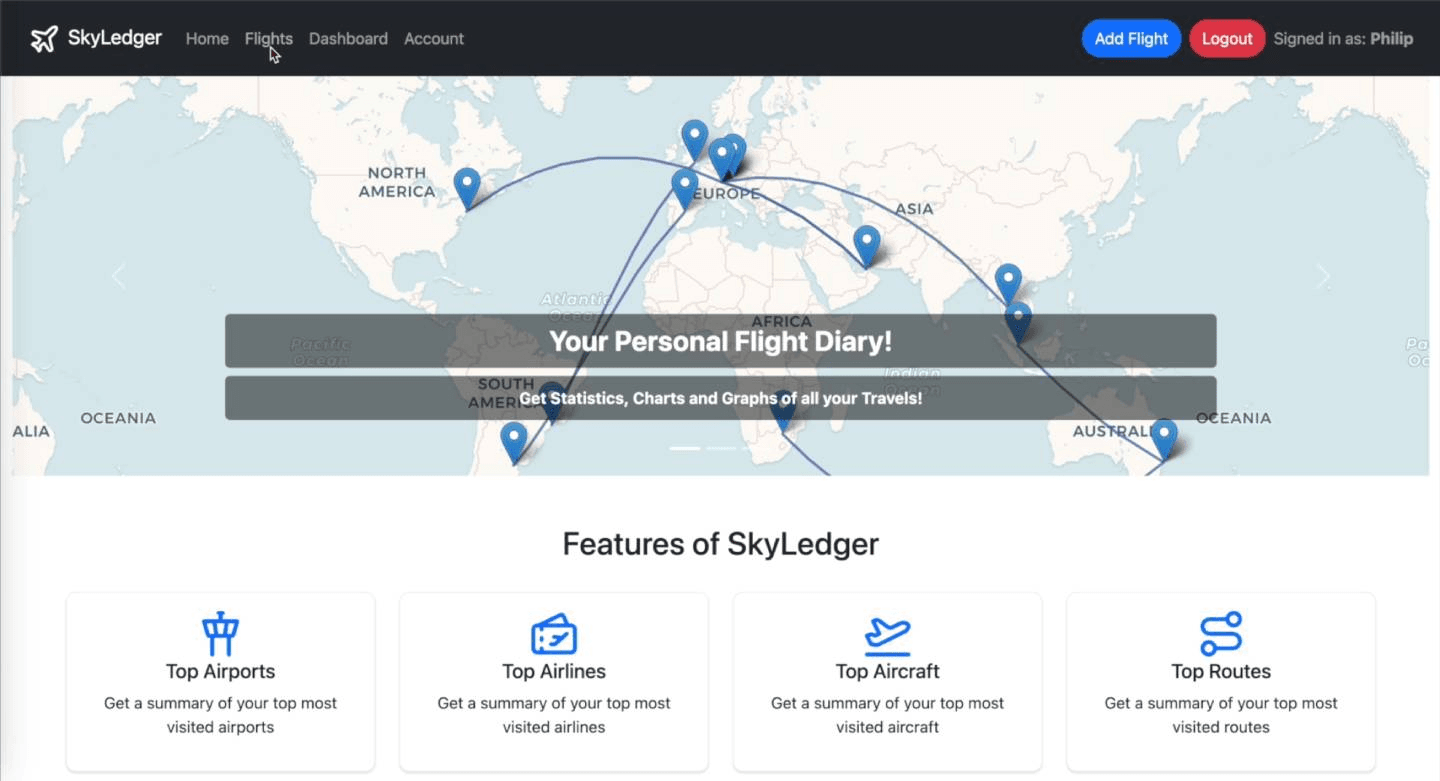
Skyledger is an application that allows users to track all flights that they have taken. It is basically a diary of ones travel history and users can get information such as total time spent in the air, most common airlines, airport, aircraft types, routes etc. Additionally, the tool also calculates the expected CO2 emission as a result of traveling/flying. A dashboard shows all these statistics and a map of all flights taken. Users can also see a list of all flights taken and then make ammendments to them.
Project Overview
Project Overview
Can you provide a brief overview of the project you've been working on?
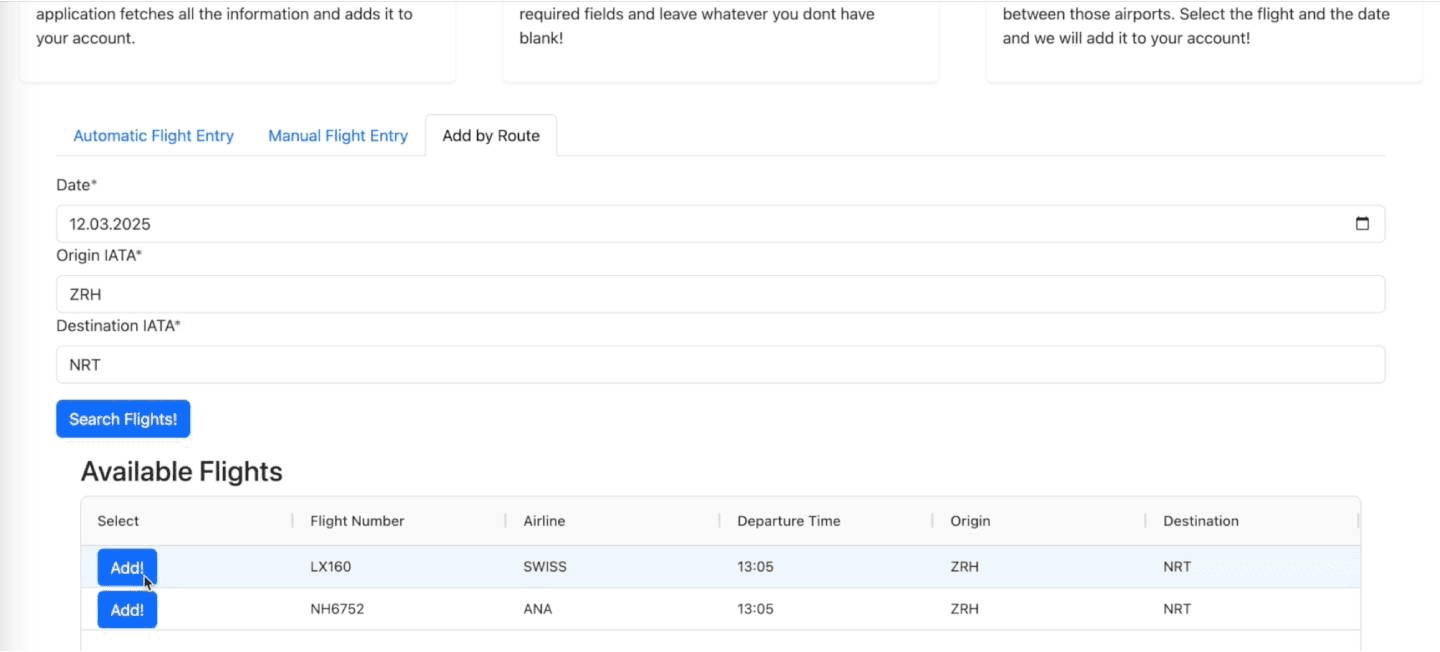
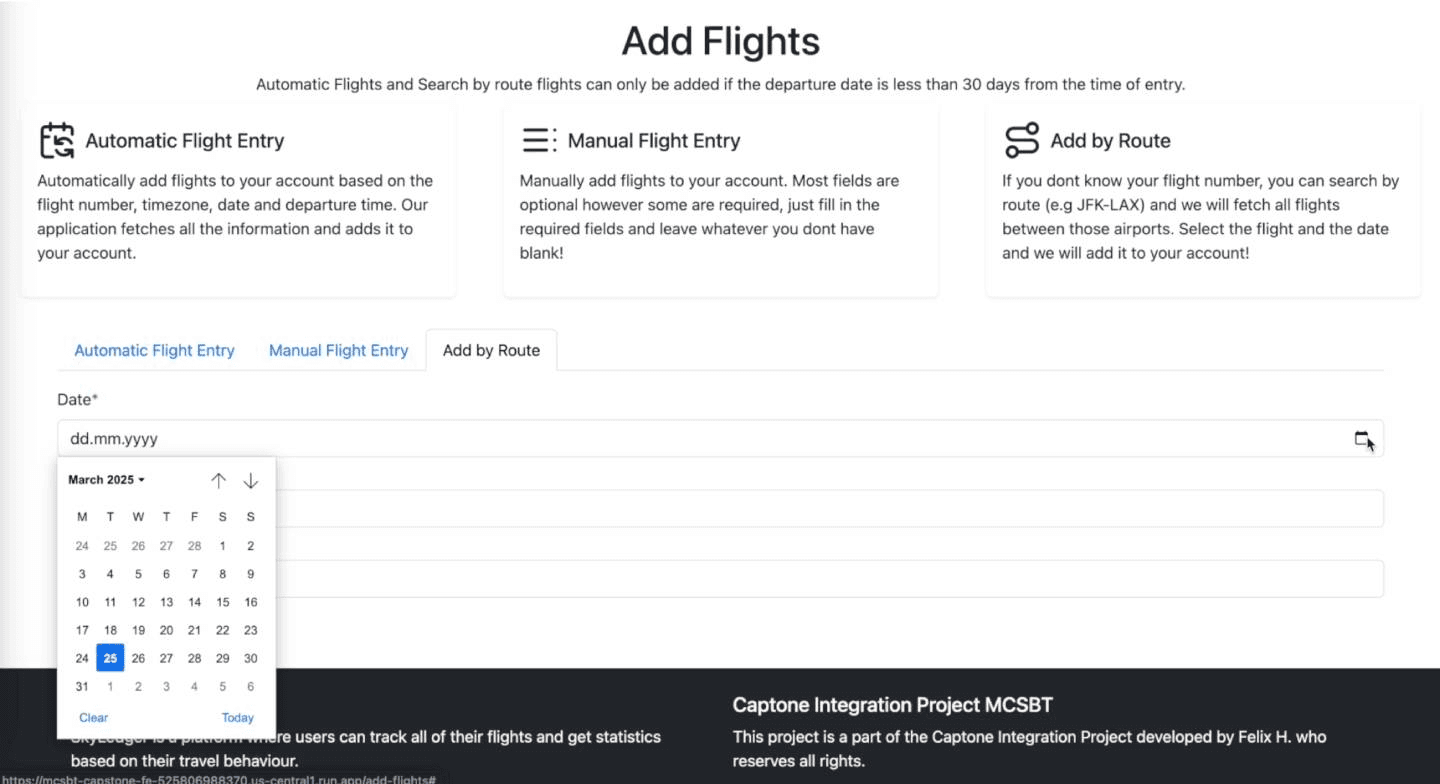
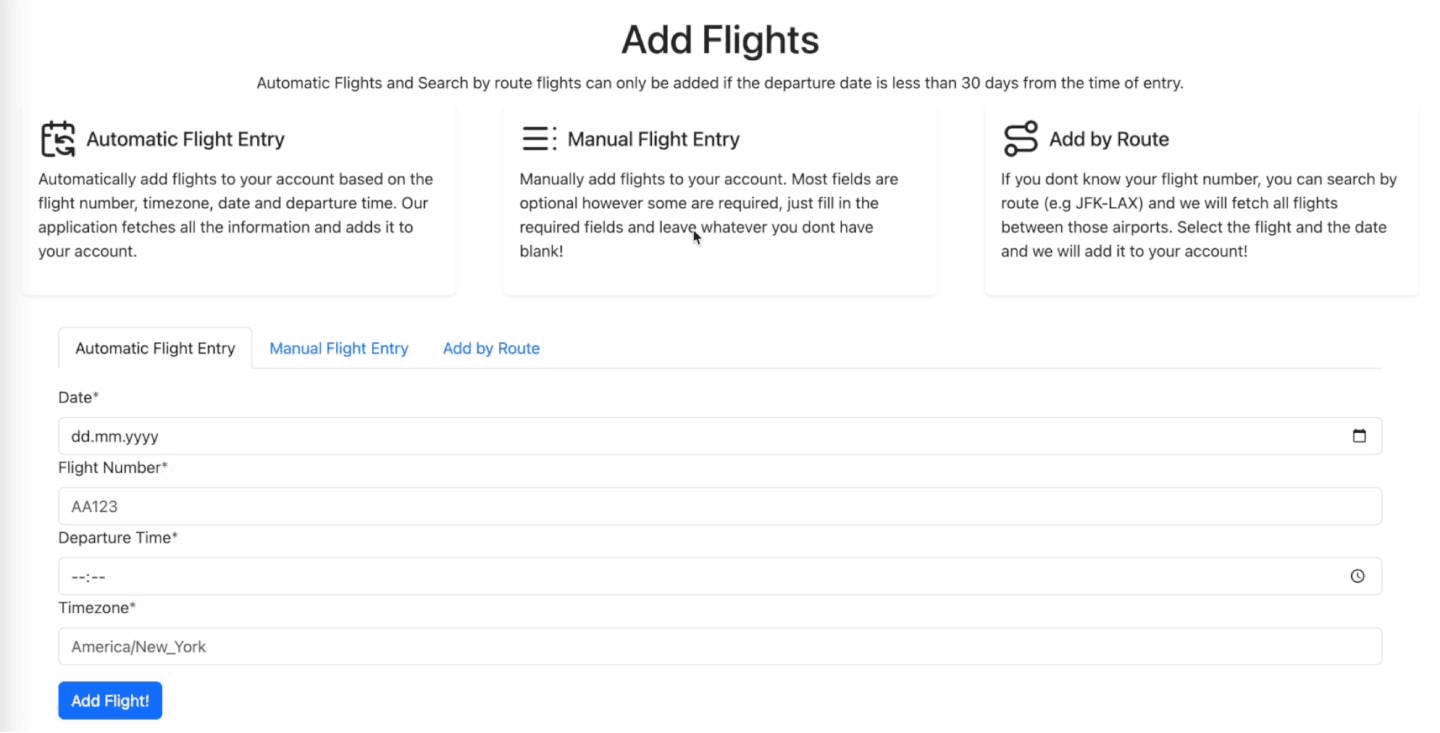
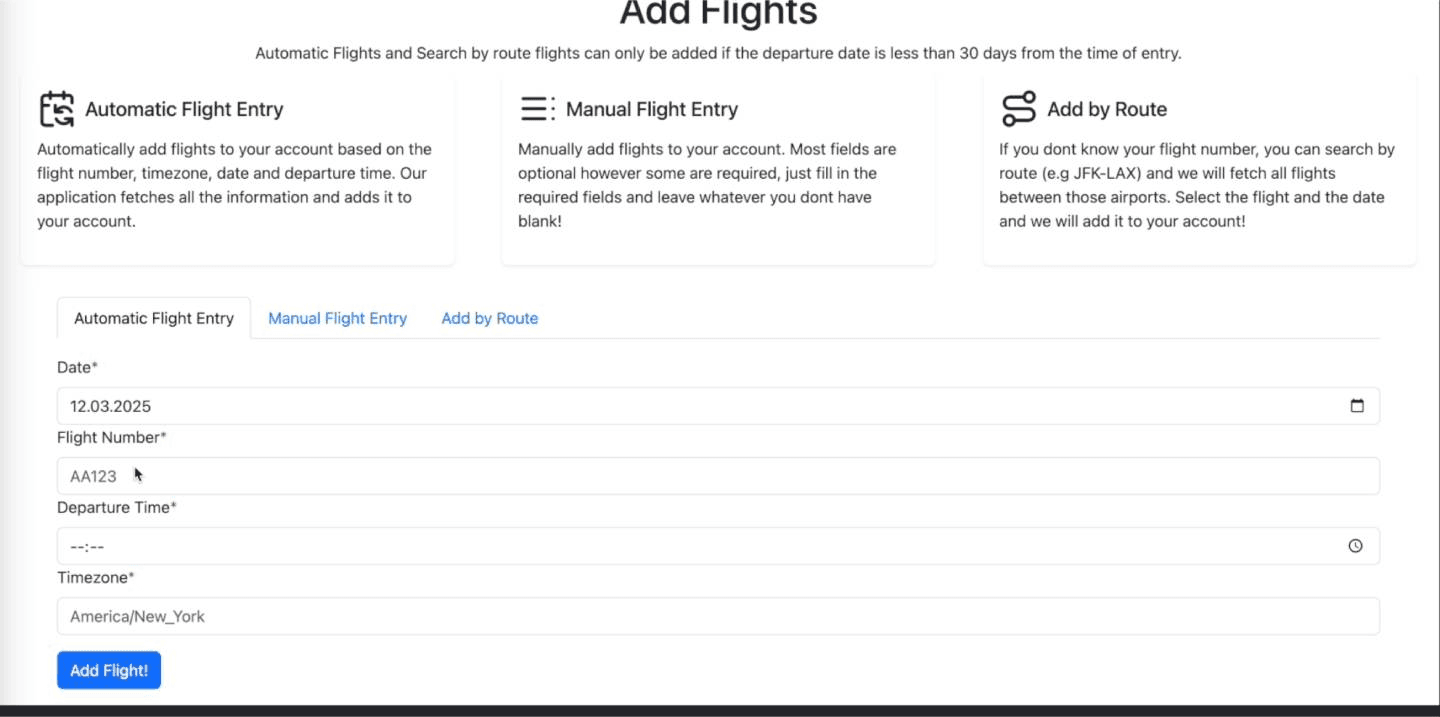
Everything as above. But more technically, users can add flights they have taken in three ways: Either they know their flight number, date and time of departure and the tool automatically fetches all the data necessary and inserts the entry into the users database. Users can also enter flight details manually if they do not wish to add it manually. The tool then based on the departure and arrival airport, can still compute time spent in the air and distance for example since it fetches coordinates from the database. Lastly, if users don’t know their flight number, there is a section where users can search all flights which are operated between certain cities and then click on the one which they were on. The tool then again fetches all details, computes the information necessary and adds it to the users database.
Purpose of the project
Purpose of the project
What inspired or motivated you to choose this particular project?
The idea itself wasn’t what I really cared about but rather the implementation of a full stack project. Given that I have been very interested in aviation when I was younger and still love traveling and trying new airlines / products, I thought this could be a cool project. It was kind of like a copy of MyFlightradar24 though but since the idea wasn’t the main goal, I didn’t mind copying it.
Technical Details
Technical Details
Could you explain the technical aspects of your project? What software, tools do you use?
The application uses Python as the backend language with fastapi and pydantic for data validation. The backend is connected to various APIs such as the Flightradar24 API for detailed data about a certain flight on certain dates. This API is the main data provider, while there is also another one which fetches flights between city pairs, if users wish to search for flights and not add them through their flight number. Since the project is hosted on google cloud (cloudrun), we used Google BigQuery as a datebase since it is relatively intuitive and easy to use. This database also stores data such as airport coordinates, airline codes and CO2 data per aircraft type, which the backend uses to compute necessary data for a users flight. The front end uses React and Javascript. Some libraries such as Lucid, Open Streetmap and Bootstrap were used.
Challenges and Solutions
Challenges and Solutions
Were there any significant challenges you encountered during the project, and how did you overcome them? Can you share a specific problem-solving moment that stands out in your project?
This was my first time developing a full stack application so there were a variety of challenges. Since I had more experience with python, the backend was more straightforward than the front end. However a key learning was how to really organize the file structure of the backend to make the code as maintainable and modular as possible. I had neglected this at the beginning, which made refactoring the code at the end of the project a bit more difficult. However when that was done, that was a key learning on how to design the codebase such, that if you need to change something, you only have to change it in one place and the rest functions as desired. Regarding front end, I had challenges on deciding what logic to handle in the front end vs. the backend. It was also particularly rewarding to learn how to handle the authentication process between the backend and front end. This entailed, implementing JWT tokens on the backend, something I also hadn’t done before, and protecting routes on the front end to only allow logged in users to access certain pages of the application. Lastly, the biggest challenge I think was to actually deploy the application. Everything from building the docker containers, implementing the continuous development / continuous integration pipeline was new. I remember spending hours trying to figure out why my front end wouldn’t build correctly. It turns out that the only issue was, that imports (like libraries) aren’t case sensititve when hosting locally in React, but when you deploy them, they are. Very annoying bug to fix, but a learning for the future to be super accurate from the beginning. In terms of tools that I used for building, of course I also used AI which made learning for efficient. However my attitude towards AI and tools like Cursor is to use them wisely and always understand what the AI gives one so that you can learn from it and not just trust it blindly.
Learning and Takeaways
Learning and Takeaways
What key lessons or skills have you gained from working on this project?
Full stack development, Javascript, Frontend development, React, Deploying applications to the cloud, API development, Authentication implementation.
Pictures
Pictures
Check other student projects
Check other student projects